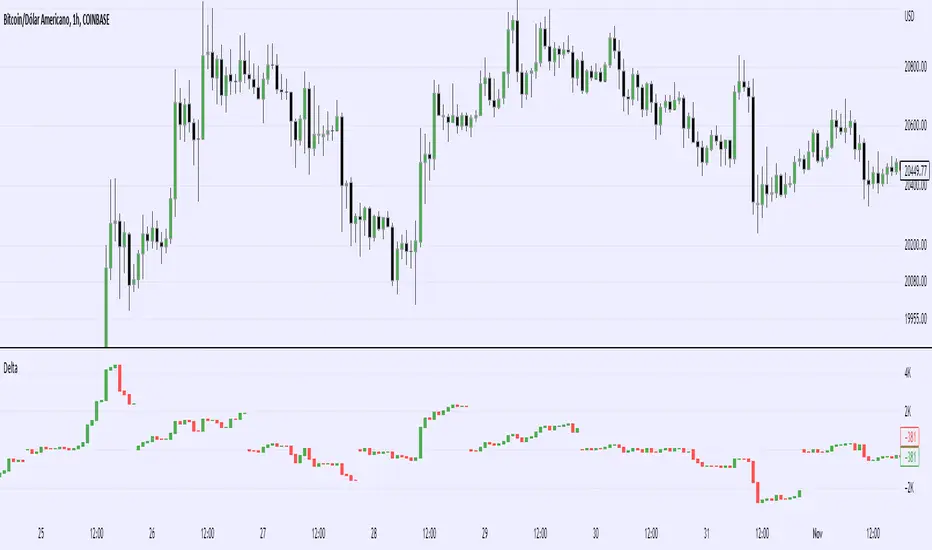
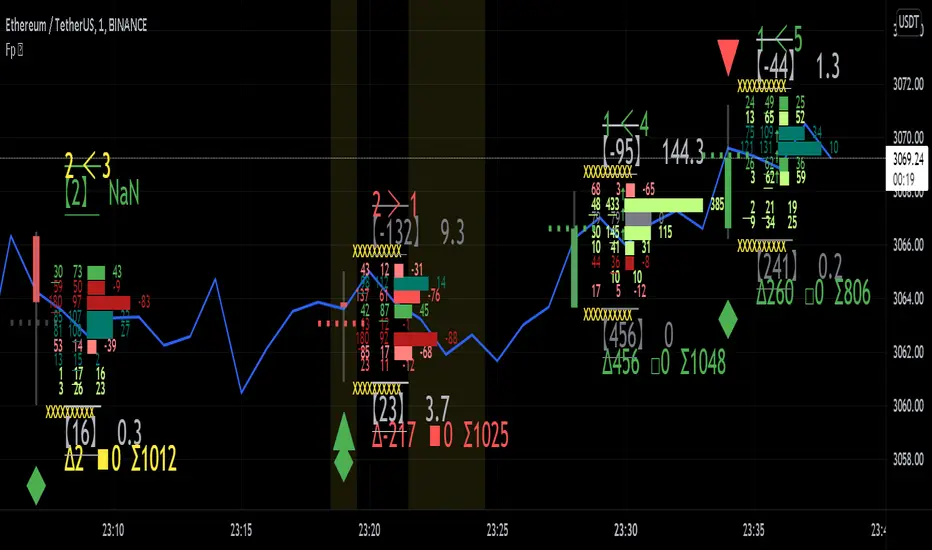
Footprint Data Test [Zofesu]🎯 Verify your Data Integrity with Institutional Precision.
This diagnostic tool is designed to verify if your current broker and symbol provide real-time Footprint Data (Intrabar Volume). Before deploying complex Order Flow strategies or Delta-based indicators, a trader must ensure the "fuel" (data) is active and accurate.
🧠 How it Works
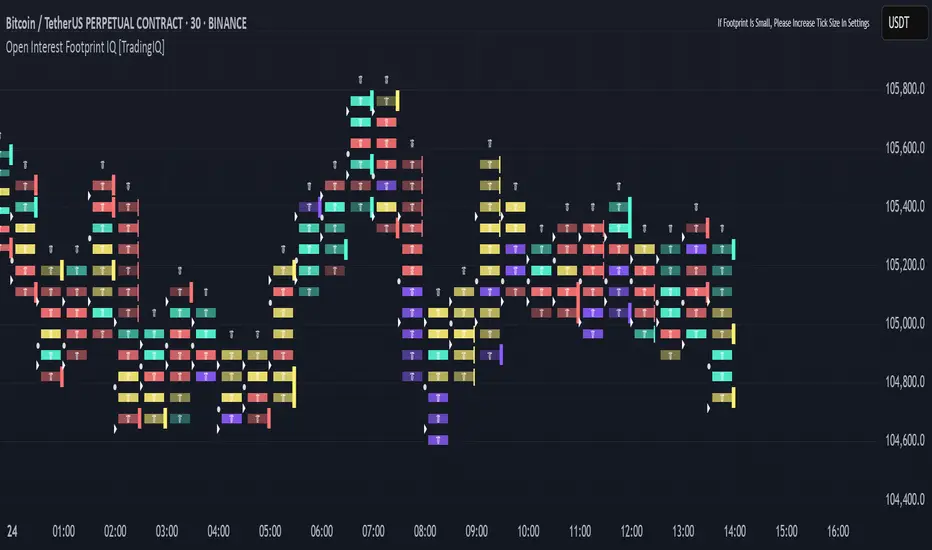
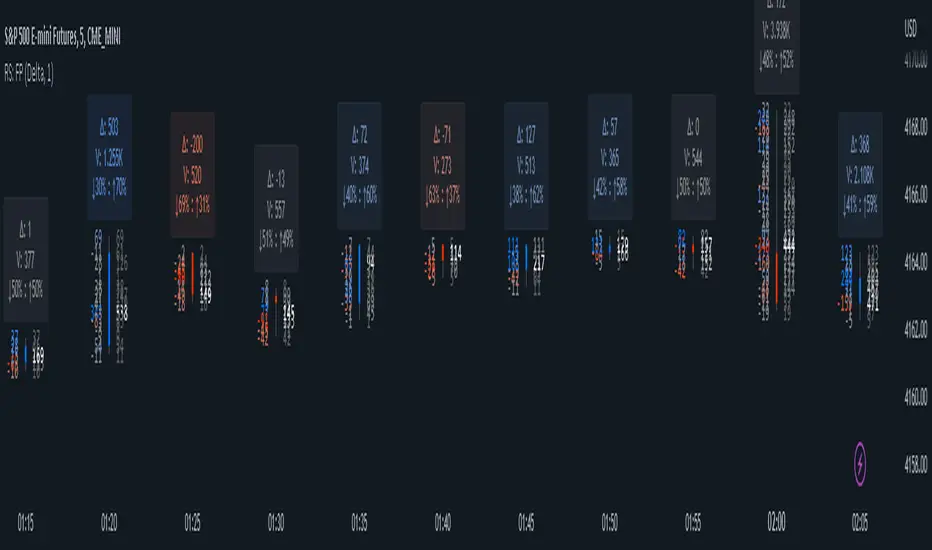
The engine utilizes the latest Pine Script v6 request.footprint method to attempt a connection to the exchange’s tick-level database. It checks for the presence of Buy/Sell volume distributions within each bar, which is the foundation for tracking large institutional orders.
🛠️ Core Components
📊 Status Table: A clean, non-intrusive UI element at the bottom of your chart that provides an instant diagnostic result.
✅ Data Active: Confirms that your broker provides real-time footprint/tick data. You can proceed with Order Flow, Delta, and Volume Profile strategies.
❗ No Data / Not Supported: Indicates that the current symbol or broker only provides basic price data. In this case, Volume Delta or Footprint-based indicators will not function correctly. You will see an error at the top left, next to the indicator.
⚙️ Strategic Application
Broker Verification: Use this tool when switching between brokers (e.g., IC Markets vs. Binance vs. CME) to see who provides the most transparent data.
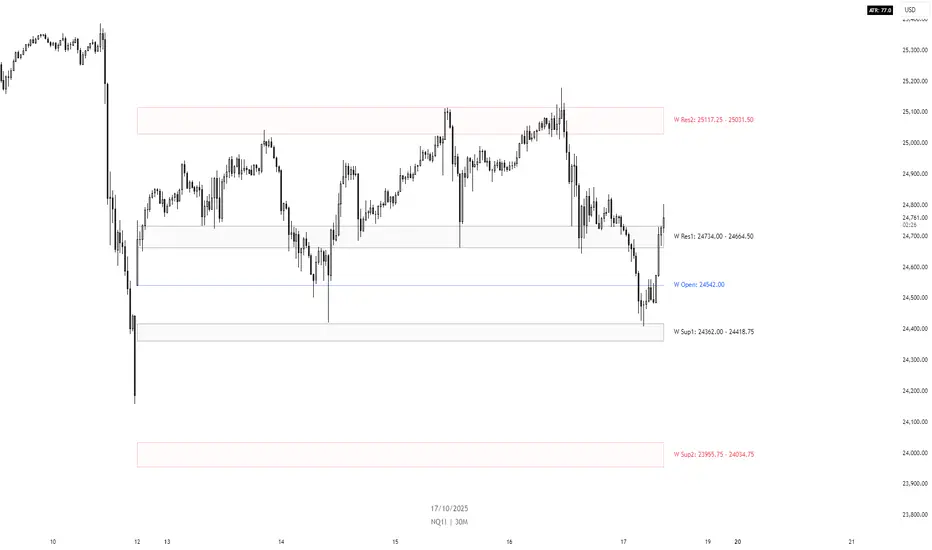
Symbol Compatibility: Not all assets support footprint data. Test your Nasdaq (NQ), S&P 500 (ES), or BTC pairs before relying on volume analysis.
The Green Light: Only when you see the "Data Active ✅" status should you trust indicators that claim to track "Big Boys" or "Smart Money" orders.
🚀 Technical Settings (Zofesu Optimized)
Lookback (10): A focused sample of recent bars to verify connection stability without overloading the processor.
Visual Position: Anchored to the Bottom Center to keep your main workspace clean for price action analysis.
📚 Experience and practice
Many CFD brokers "simulate" volume, but this test looks for real Footprint distribution. If you get a red status on a stock or index, you likely need a "Real-Time Data Subscription" from the exchange (CME, NYSE).
On Crypto pairs (BTCUSD, ETHUSD), this should almost always be Green. If it's Red on Crypto, check if you are on a "Spot" or "Futures" chart, as data availability may vary.
⚠️ Disclaimer
Data availability is subject to your TradingView plan and broker's data feed. This tool does not generate trade signals; it validates the technical environment for professional decision-making.
Pine Script® indicator